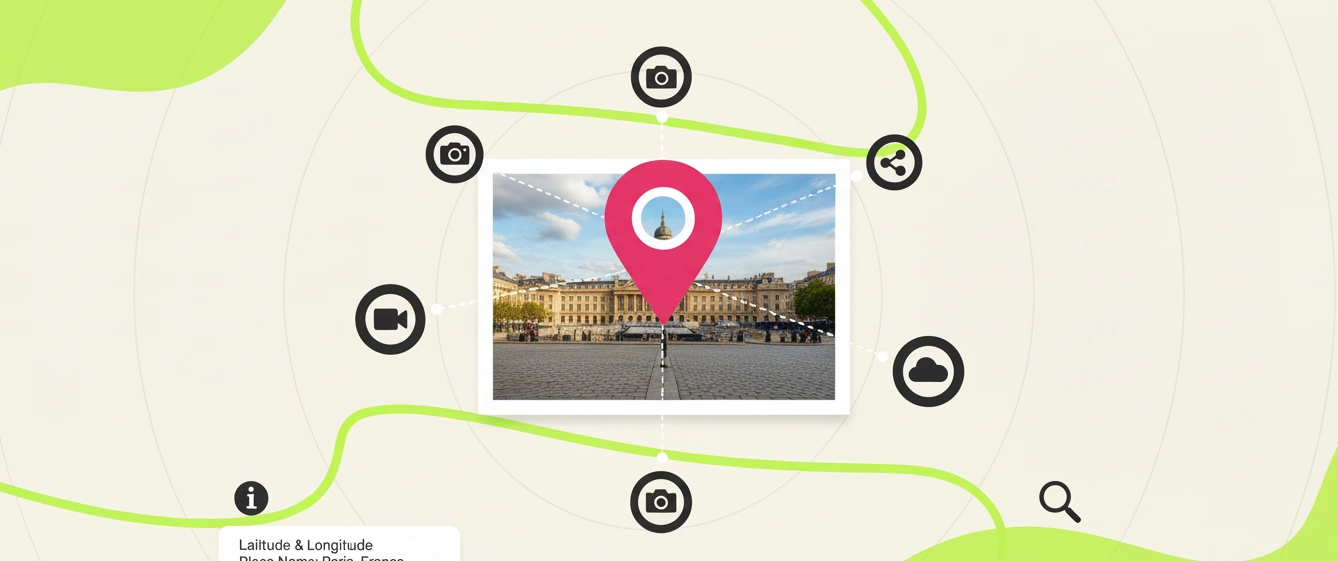
In today’s visually-driven digital landscape, images are more than just decoration for your website; they are powerful assets that can significantly impact your search engine ranking. But what if you could make your images work even harder for you, especially in your local market? Enter geotagging. This simple technique can be a game-changer for your local SEO, helping potential customers in your area find you more easily.
This guide will walk you through everything you need to know about how to geotag photos. We’ll cover what it is, why it’s crucial for your business, and the most efficient way to do it.
How to Geotag Photos: The Old vs. The New Way
There are several ways to geotag photos, but not all methods are created equal.
The Manual Methods (And Why They’re a Hassle)
In-Camera/Smartphone GPS: Many modern smartphones and some DSLR cameras can automatically geotag photos if location services are enabled.[5][9] While convenient, this method tags the location where the photo was taken, which may not be your actual business address. It also offers little room for customization.
Desktop Software: Programs like Adobe Lightroom or GeoSetter allow you to add GPS data manually.[7][9] However, this can be a complex and time-consuming process, especially if you have many images to tag.
These older methods lack the efficiency and precision needed for a serious local SEO strategy.
The Step-by-Step Guide to Geotagging Photos
Geomakers.io is designed to be the fastest and most intuitive way to geotag your images and optimize them for local SEO. Here’s how you can do it in just a few clicks:
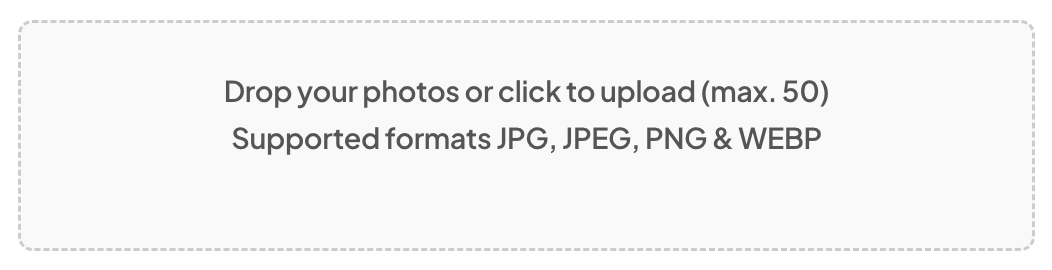
Step 1: Effortlessly Upload Your Photos
Simply drag and drop or click to select your images. Geomakers.io supports a wide range of formats, including JPG, JPEG, PNG, and WEBP. You can upload up to 50 photos at once, and with the Unlimited plan, you can geotag as many images as you need without limits.
Step 2: Pinpoint the Exact Location with Precision
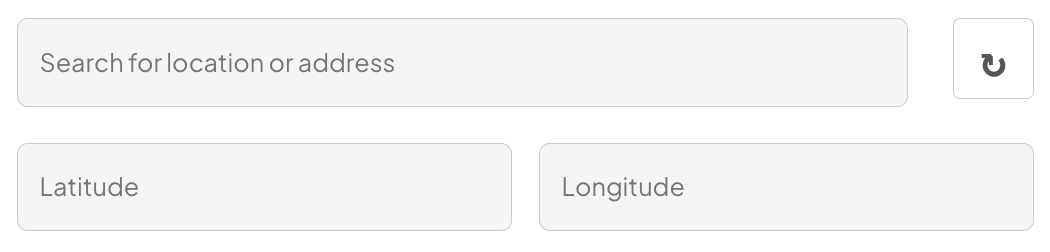
This is where the magic happens. You have complete control over the location you embed:
(Best Option) Use the Google-Powered Search: The easiest way is to type your business name or address directly into the search bar. The tool uses Google Maps and Google Place data for pinpoint accuracy.
Manual Map Adjustment: If you need to be even more precise, you can drag and move the pin on the map to the exact spot, like your front door or a specific service area.
Enter GPS Coordinates: For ultimate precision, you can manually enter the exact latitude and longitude coordinates.
Step 3: Supercharge Your SEO with Metadata
Beyond location, you can add crucial SEO data. Add up to four relevant keywords (e.g., “emergency plumber,” “best coffee shop,” “new york dentist”) and a brief description. Then, with a single click on the “🔖 TAG ALL” button, this metadata is instantly applied to all your uploaded photos.
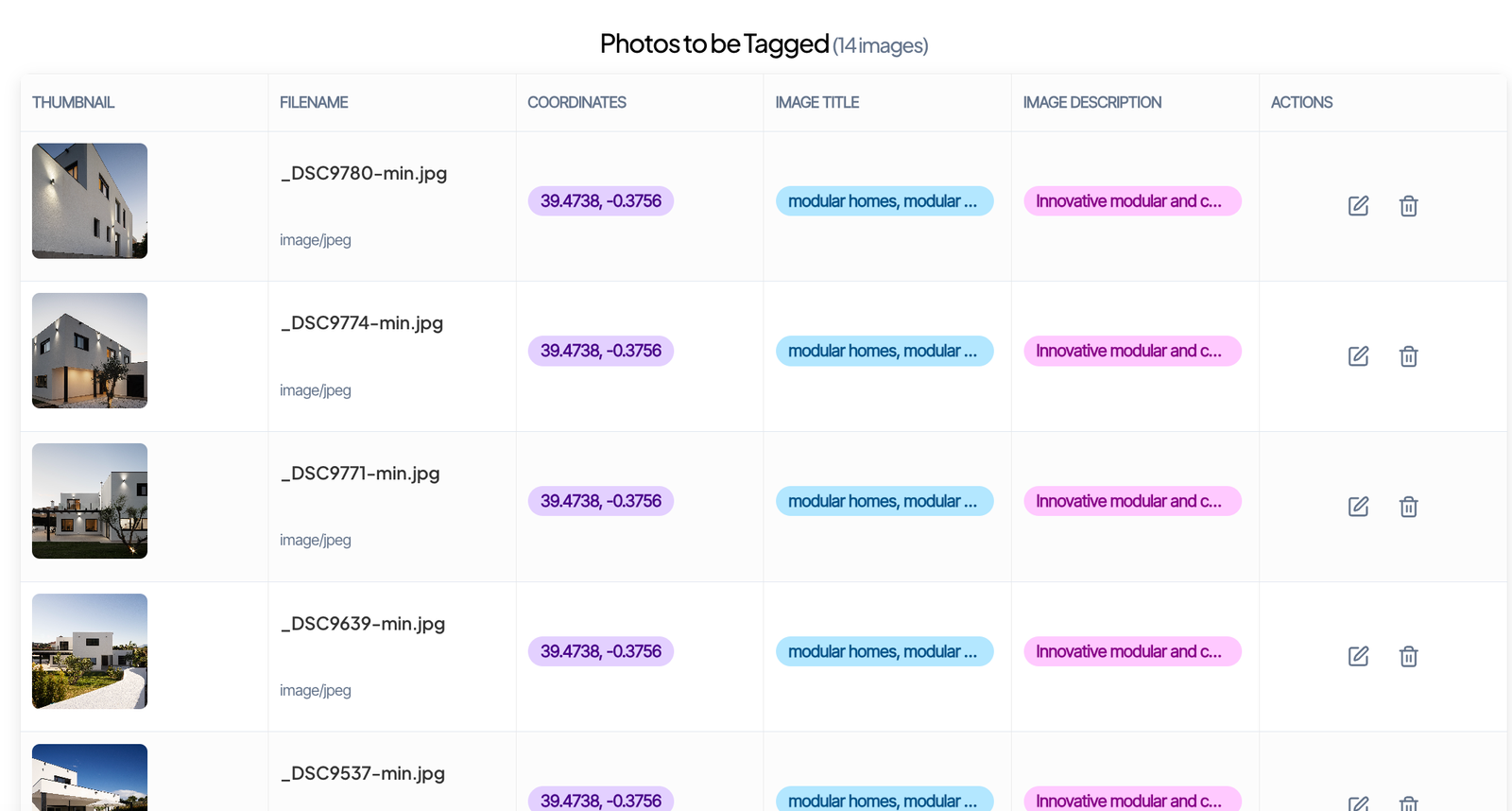
Step 4 (Optional): Customize Every Detail
Need to fine-tune individual images? The “✏️ Action” button allows you to edit the file name, keywords, and description for each photo separately, giving you maximum control over your optimization.
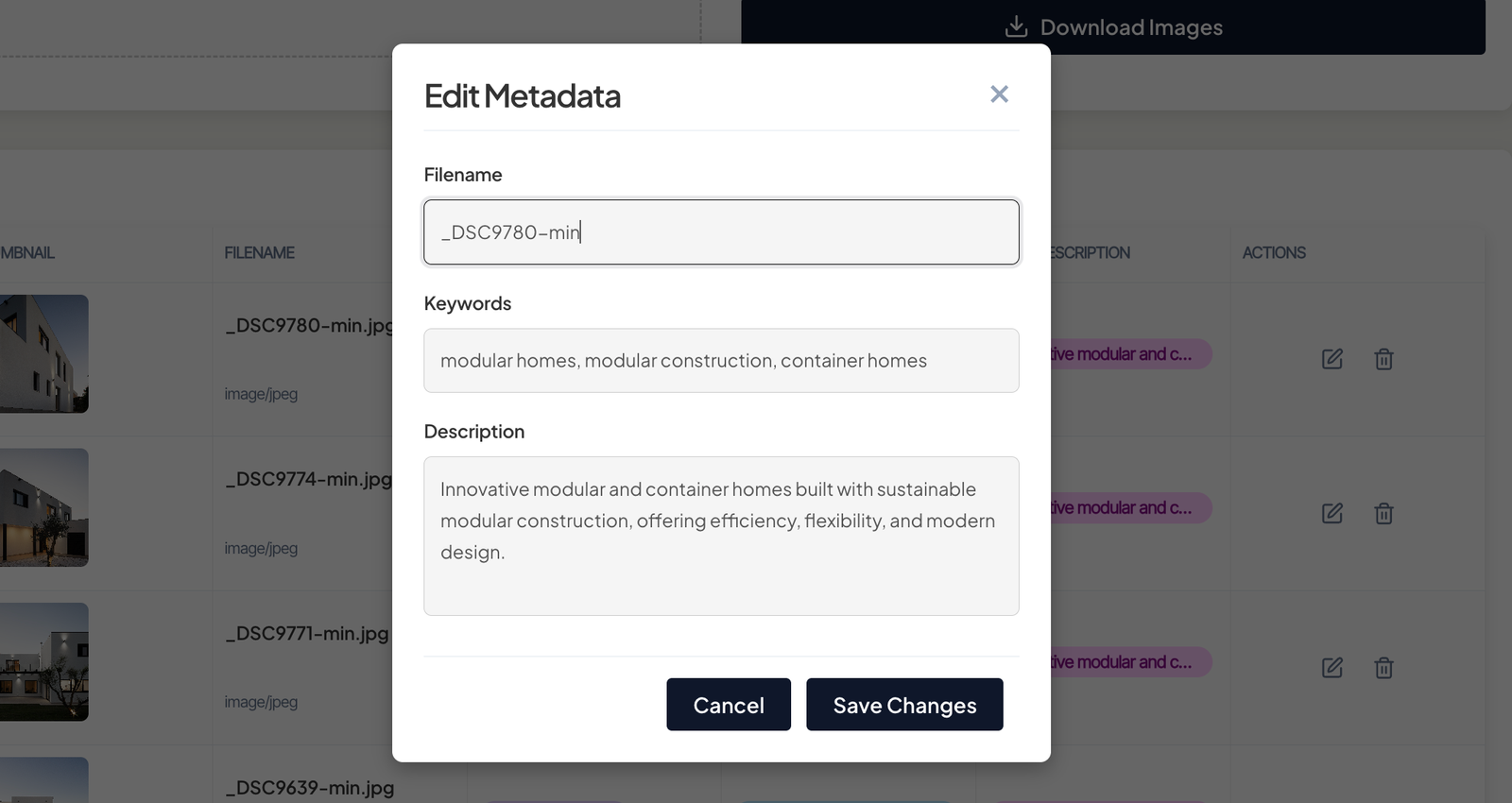
Step 5: Optimize and Download
Geomakers.io is more than just a geotagging tool. It’s a complete image optimization suite:
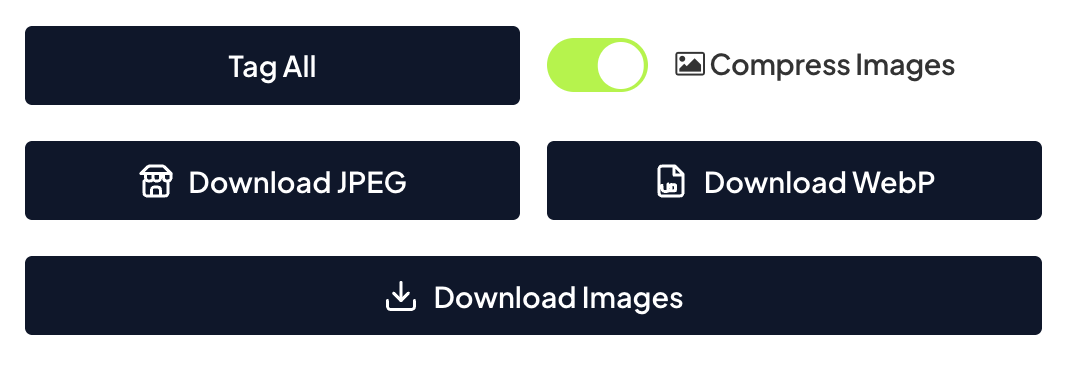
Compress Images: Reduce file sizes to improve your website’s loading speed—a key SEO ranking factor.
Download as JPEG: This option is perfect for uploading optimized images directly to your Google Business Profile.
Download as WEBP: Use this modern format for your website to dramatically improve loading times.
Download Original Format: If you just need the geotagging, you can download the images in their original format.
Think about it. You can also use Geomakers as a tool to convert and compress your images.
Step 6: Repeat and Scale Your Efforts
With Geomakers.io, this entire process is quick and repeatable. You can consistently optimize and geotag all your new images, ensuring your local SEO efforts are always on point.
Ready to put your business on the map? Try Geomakers.io and see the difference precise geotagging can make for your local search ranking.
Why Geotagging Your Photos is a Game-Changer for SEO
For local businesses, visibility in “near me” searches is critical. Geotagging is a powerful strategy to improve your performance in these location-based searches.[4][5]
Dominate Local Search Results: Geotagging sends a strong, clear signal to search engines that your business is relevant to a specific area.[5][6] When you upload geotagged images to your website and Google Business Profile, you’re reinforcing your location, which can boost your rankings in the Google Local Pack and on Google Maps.[4]
Target the Right Audience: By embedding precise location data, you ensure your content is shown to people who are most likely to become customers—those physically near you.[6] This is crucial because most people search for a product or service when they have an immediate need.[2]
Gain a Competitive Edge: Many businesses still overlook the importance of geotagging.[5] By implementing this strategy, you can gain a significant advantage over competitors in your local market.
Increase Trust and Authenticity: Geotagged photos provide authentic, location-specific visuals that build credibility with potential customers.[7][8]
Start Geotagging Today and Own Your Local Market
Geotagging is an essential, high-impact strategy for any business serious about local SEO. It provides search engines with the precise location data needed to rank you prominently in local search results.[6] By sending these strong local signals, you increase your visibility, attract relevant customers, and gain a crucial edge over the competition.
Stop letting competitors dominate the local search landscape. Take control of your visual SEO with a tool that makes it fast, easy, and incredibly effective.
Join Geomakers.io today and start turning your images into powerful local ranking assets!